Managing money in the UK has become more accessible with a growing range of budgeting apps. A 2026 review identifies nine apps that support different financial goals, from tracking daily spending to setting aside funds for bills. Source: skintdad.co.uk.
Top Apps for Different Needs
Skint Dad’s latest guide, updated on 26 October 2026, evaluates nine budgeting apps based on features, pricing, and UK customer ratings.
Snoop – Best Free Spending Tracker
Snoop offers a free version that tracks spending without requiring a subscription. However, the free version only works with supported bank or card connections. Users must link a financial institution to access full functionality.
It has a rating of 4.6 out of 5 on Apple UK. The app is ideal for users who want to monitor spending without upfront costs.
HyperJar – Best for Family Spending
HyperJar supports shared accounts and family budgets. It has a 4.8-star rating and no monthly fee. However, users should note that prepaid money is not a current account, and physical cards or transfers may incur extra costs.
It is designed for households managing multiple members’ spending under one umbrella.
Emma – Best for Detailed Budgets
Emma allows users to manage multiple accounts and create detailed budgets. The free Basic version is available, with enhanced features requiring a £4.99 monthly subscription. Custom categories need the Pro or Ultimate plans.
With a 4.7-star rating, it suits users who want granular control over income and expenses.
Starling Bank – Keeping Bill Money Separate
Starling offers a free personal current account that allows users to keep bill money separate. The app has a 4.9-star rating and is ideal for those who want a dedicated account for essential payments.
Users must open a Starling account to access this feature.
Monzo – Budgeting Within a Bank Account
Monzo provides a free account with budgeting tools. A £3 monthly fee applies for extra features. Some tools are only available through paid subscriptions.
With a 4.9-star rating, it combines banking and budgeting in one platform.
Koody – Manual Entry Option
Koody allows users to enter spending manually. The free version tracks spending, but creating full budgets requires a paid plan at £2.99 per month on the UK App Store.
It has a 4.1-star rating and may not suit users seeking automated tracking.
YNAB – Hands-On Budgeting
It requires time to learn and is best for users committed to active budgeting.
It has a 4.7-star rating and is ideal for those who prefer structured, hands-on planning.
Plum – Automatic Savings
Plum helps users save automatically but is primarily a savings tool, not a full household budgeting app. The free Basic version is available, with a £3.99 monthly fee for advanced features.
It has a 4.7-star rating and works best for users focused on saving rather than comprehensive spending tracking.
PocketSmith – Planning Ahead
PocketSmith enables users to plan months ahead. The free tier is available, with paid plans available on the UK market. It is considered complex for beginners, and the Sidekick app is less capable than its web version.
It has a 3.5-star rating and may not appeal to new users.
These apps vary in cost, features, and user experience. Each serves a specific purpose, and users should choose based on their financial goals and technical comfort.
For students or those new to budgeting, starting with a free app like Snoop or HyperJar may be practical. For more advanced users, Emma or YNAB offer deeper functionality.
Those seeking a full banking experience with budgeting tools may prefer Monzo or Starling.
For more tips on managing student finances, see Student Money Tips: Save Cash with Free Perks and Side Hustles.
For current bank switching offers, visit Top Bank Switching Offers in October 2026.
Sources & further reading
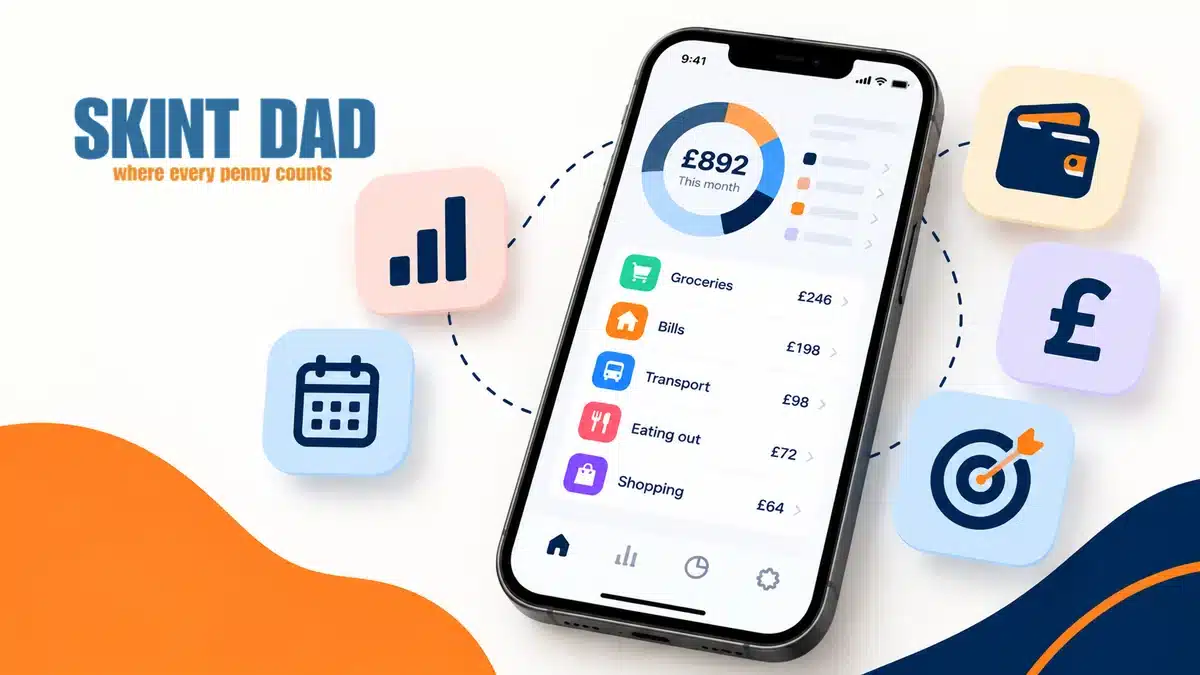
Featured image: Illustration of a smartphone displaying household spending categories and budgeting information. Via original publisher. Image source