Updated: 5 February 2026
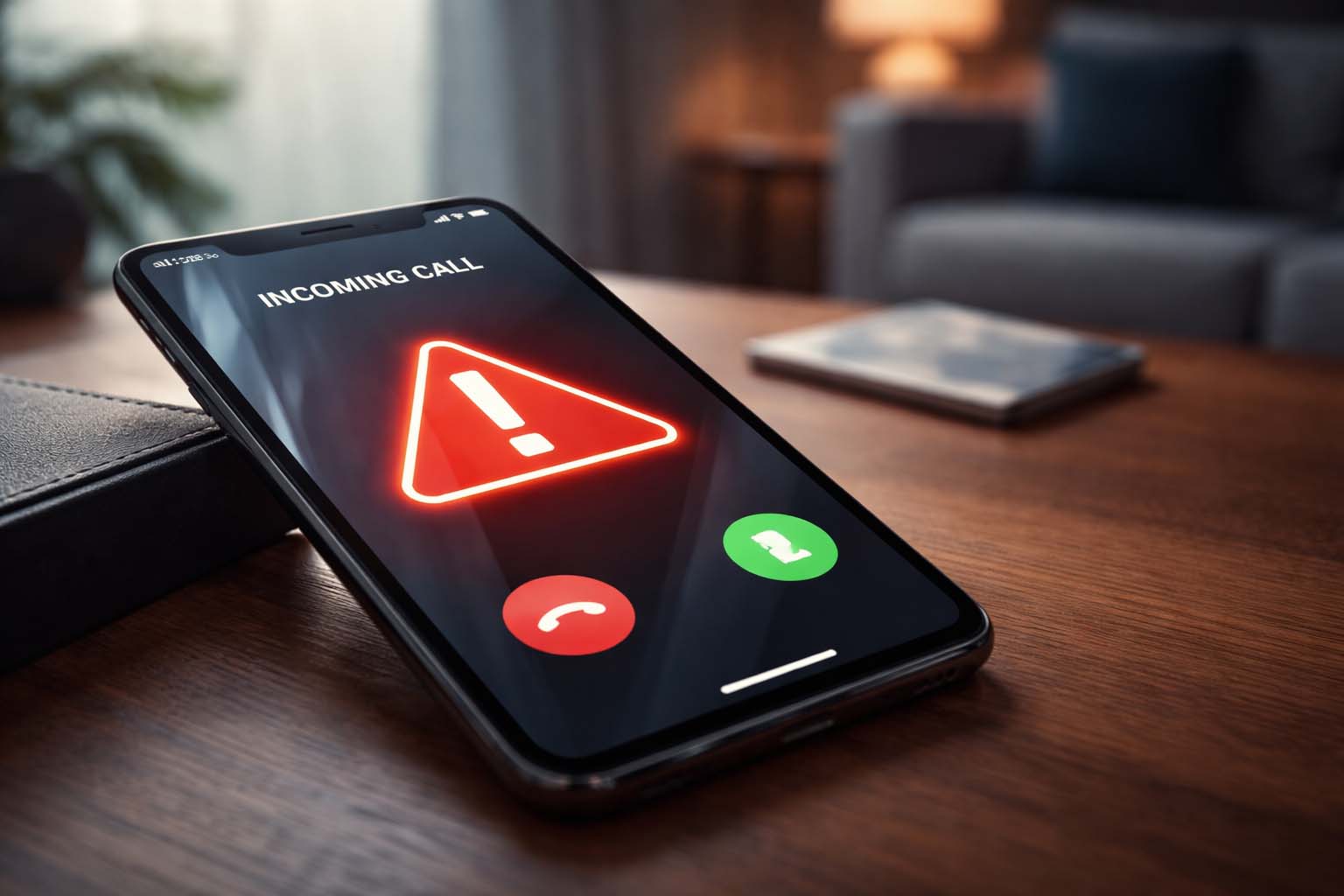
Imagine your phone rings and it’s your “bank” telling you your account is being drained right now. Or your “boss” asking for a quick urgent transfer. Or your “daughter” crying and begging you to send money immediately.
In 2026, these scams are getting sharper because criminals can combine caller ID spoofing + personal data leaks + AI voice cloning. The goal is always the same: push you into panic so you act before you think.
This guide gives you fast, practical checks—plus exact phrases to say on the call, what to do if you shared info, and how to reduce your risk long-term.
The 30-second test: 5 signs the call is a scam (even if the voice sounds real)
1) Urgency + threat
Scammers push a “right now” emergency: “Funds will be lost… police are on the way… your account will be frozen… you’ll be arrested…”
Real organisations can be urgent, but they won’t require instant secrets or instant transfers.
2) They ask for things a real organisation shouldn’t
Red flags include requests for:
- One-time passcodes (SMS codes)
- Full passwords / PINs
- Remote access to your device
- Moving money “to a safe account”
- Buying gift cards / crypto to “secure funds”
Banks and regulators repeatedly warn that criminals impersonate trusted organisations to get sensitive details or persuade transfers.
3) “Don’t hang up” or “stay on the line”
A classic trick: they keep you on the phone so you can’t independently verify. Some scams even try to convince you the line is “secure.”
4) Caller ID looks real (but it means nothing)
Caller ID can be spoofed. Treat it as decoration, not proof.
5) The voice is “almost right”
AI voices can sound convincing, but you may notice:
- Slightly odd pacing or unnatural pauses
- Flat emotion in places it should be emotional
- Awkward phrasing (“wrong” style for the person)
- They dodge your questions and keep steering back to the script
What to say (copy/paste script): the safest way to end the call
Use one of these lines:
- “I don’t verify identity on incoming calls. I’ll call back using a trusted number.”
- “I’m going to hang up now and contact you via your official website number.”
- “If this is legitimate, you can message me inside the app / send a letter.”
Then hang up.
If they keep talking, repeat: “I’m ending the call now.”
Do not argue. Do not explain. Do not “prove” anything.
Many banks and safety guides recommend hanging up and calling back using a number you find independently (bank card, official site), not the number the caller gives you.
The “call-back rule” (this is the single best habit)
- Hang up
- Wait 2 minutes (break the adrenaline)
- Call the organisation using a trusted number:
- The number on the back of your bank card
- The number inside the official banking app
- The number on the regulator’s official website
For financial firms, also check they’re genuine before engaging—especially if the contact was unsolicited. The UK FCA warns about clone firms that copy real firm details to look legitimate.
If the caller claims to be your bank: 3 rules that stop most losses
Rule A: Never move money to a “safe account”
That’s almost always a scam. If there’s fraud, your bank has processes—your job is to report, not to “relocate” funds.
Rule B: Never share one-time codes
If you read out a code, you may be authorising a payment or logging the criminal into your account.
Rule C: Never install apps / allow remote access
Remote access turns your phone into a “wallet” the scammer can operate.
If the caller claims to be a family member: use the “challenge question”
Agree with your family ahead of time on a question only you would know, such as:
- “What was the name of our first pet?”
- “Where did we meet on that holiday?”
- “What’s the nickname only I use?”
If they can’t answer quickly (or get angry), end the call and ring the person back on their normal number.
The 2-minute damage control plan (if you shared anything)
If you gave any info (codes, passwords, bank details), act immediately:
- Call your bank using a trusted number and tell them:
- You may have given details to a scammer
- Ask them to freeze risky activity and review payments
- Change passwords for:
- Email (priority #1)
- Banking
- Apple ID / Google account
- Turn on 2FA (app-based if possible)
- Check your accounts for:
- New payees
- New devices logged in
- Email forwarding rules you didn’t set
- Report the scam using official UK guidance for scam calls and phishing.
Why AI makes this worse (simple explanation)
AI doesn’t “hack” your bank by magic. It improves the social engineering:
- Criminals collect your leaked data (names, addresses, partial banking details, job role, relatives)
- They spoof a trusted number or mimic a real organisation
- AI helps them sound more believable and consistent
- Your stress does the rest
So the defence is also simple: verify identity via a trusted channel—every time.
Quick checklist: “Am I being scammed?” (save this)
If 2+ are true, assume scam:
- They contacted you unexpectedly
- They demand urgency / secrecy
- They want a code, password, or transfer
- They don’t want you to hang up
- They won’t let you verify via official channels
- They get aggressive when questioned
FAQ (perfect for Yoast FAQ Block)
Q1: Can scammers fake a bank’s phone number?
Yes. Caller ID can be spoofed, so the number on screen isn’t proof. Use the call-back rule: hang up and call your bank from a trusted number.
Q2: What should I do if someone asked for my one-time code?
Hang up immediately. If you shared the code, contact your bank right away and change passwords—especially your email and banking passwords.
Q3: What is a “clone firm” scam?
It’s when criminals impersonate a real authorised company by copying names, addresses, or reference numbers. The FCA advises checking firms and being cautious with unsolicited approaches.
Q4: How do I report a suspicious phone call in the UK?
Follow official guidance for reporting scam calls and phishing attempts, and notify your bank if money/accounts may be affected.