
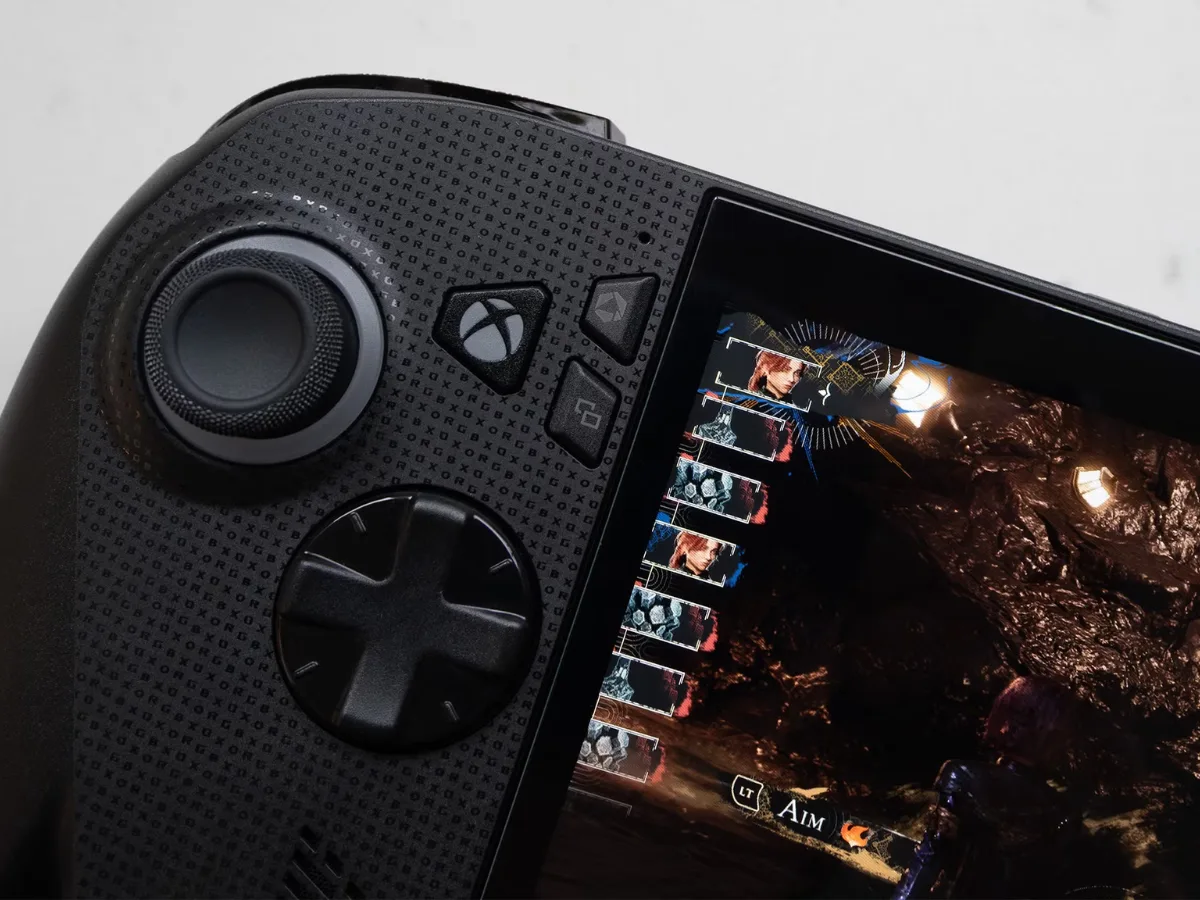
Microsoft has expanded Automatic Super Resolution (Auto SR) to the ROG Xbox Ally X and Xbox Ally X20 handhelds. Source: ghacks.net.
What Happened
Auto SR now works in handheld mode without a power adapter.
It supports games running natively at 1080p on the internal screen.
Users can now enjoy improved visuals without needing a dock or external display.
How Auto SR Works
Auto SR runs on the NPU, the AI chip in the device’s processor.
This means it enhances the final frame after rendering, not during game processing.
By using the NPU instead of the GPU, it frees the GPU to focus on rendering the game.
When to Use Auto SR
Use Auto SR when a game lacks native FSR support.
Choose FSR first if the game has a well-implemented FSR option.
Older games on the internal screen will show the most visible improvements.
Performance may not be optimal at 1080p on the handheld screen.
Limitations and Caveats
1080p gameplay on the internal screen may not perform as well as other setups.
Performance Mode and Auto HDR are rolling out via Windows updates.
Microsoft has not listed which Copilot+ laptops get Auto SR or when full rollout will complete.
Why This Matters
The update makes the NPU in the Xbox Ally X and X20 useful for gaming on the go.
It enables higher frame rates and better visuals on battery power.
Handheld gaming now offers smoother, more consistent performance without a dock.
Full features may take time to reach all devices.
Install the latest Windows updates to access Performance Mode and Auto HDR when available.
For best results, use FSR in supported games and switch to Auto SR only when needed.
Microsoft originally said Auto SR works best on larger screens in docked mode — a point still true in handheld use.
Sources & further reading
Featured image: Microsoft Launches Auto SR on the ROG Xbox Ally X in Handheld Mode. Via original publisher. Image source
