How to Fix Them in 10 Minutes
Hackers don’t usually “crack” one brilliant password. They win because people repeat passwords, keep them short, store them in risky places, and skip extra protection. The good news: you can shut down the most common attack paths fast—without becoming a security expert.
This guide is built around a simple idea: secure your email first, then your most important accounts, using long passphrases, unique passwords, and phishing-resistant sign-in options like passkeys.
The 10-minute rescue plan (do this in order)
Minute 0–2: Lock down your email (your “master key”)
If someone gets into your email, they can reset passwords everywhere.
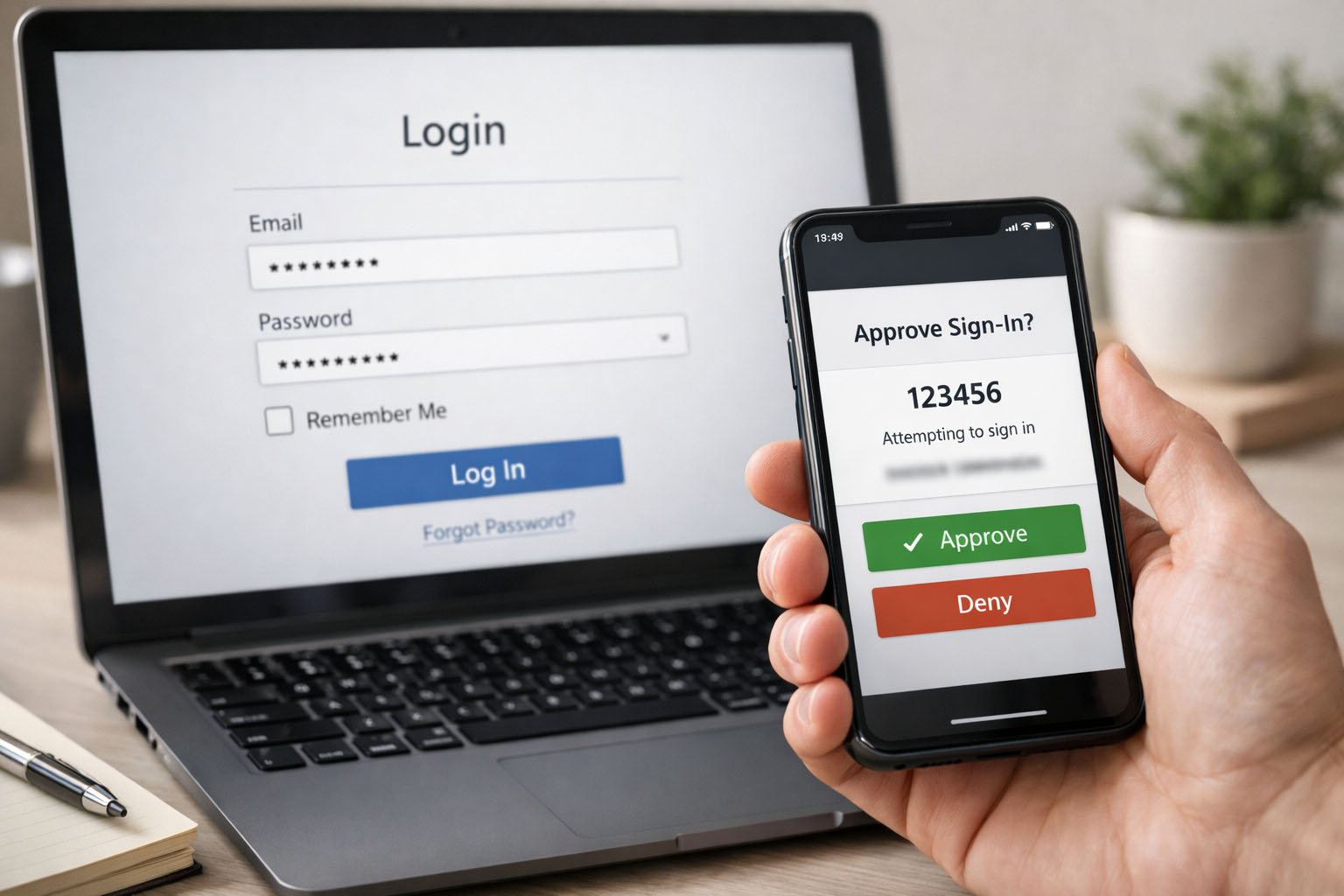
- Turn on 2-step verification / MFA (prefer an authenticator app, security key, or passkey when available).
- Download/save recovery codes (store them safely offline).
- Check your recovery phone/email are yours (remove old numbers/addresses).
Minute 2–5: Stop password reuse (fastest risk reduction)
- Use a password manager (built-in or third-party) to generate and store unique passwords.
- Start by changing passwords for: email → bank → Apple/Google → social media.
Minute 5–8: Upgrade your “main” password to a passphrase
If you need a memorable password, use a long passphrase (length beats “weird symbols”). NIST explicitly recommends supporting long passphrases (at least 64 characters) and not forcing arbitrary complexity rules.
A UK-friendly method is three random words (not related to you).
Minute 8–10: Switch on passkeys (where you can) + check for breaches
- If a service offers passkeys, enable them—they’re designed to be phishing-resistant and reduce password theft/reuse attacks.
- Check whether your email appears in breaches using a reputable breach-notification service and act on any alerts.
Photo prompt (between paragraphs, 16:9)
Realistic photo, person’s hands writing three random words on a small card next to a locked drawer (no personal details visible), soft daylight, minimal neutral tones, 16:9.
9 password mistakes hackers love (and the 10-minute fixes)
1) Reusing the same password
Why hackers love it: one leak → many logins (credential stuffing).
Fix: password manager + unique passwords for every important account.
2) “Complex-looking” but predictable passwords (Password1!, Summer2026!)
Why hackers love it: people follow patterns—attackers guess those patterns. NIST notes users respond predictably to composition rules (e.g., “Password1!”).
Fix: prioritize length (passphrase) or randomly generated passwords.
3) Short passwords
Why hackers love it: short passwords fold quickly under guessing/brute force. Length is a primary driver of strength.
Fix: use a passphrase (long) or manager-generated random password.
4) Changing passwords on a schedule (but keeping the same pattern)
Why hackers love it: “Winter2026!” becomes “Spring2026!”
Fix: don’t rotate “just because.” NIST advises not requiring arbitrary periodic changes unless there’s evidence of compromise.
5) No MFA (or SMS-only MFA)
Why hackers love it: a stolen password is enough.
Fix: enable MFA everywhere; prefer authenticator app / security key / passkeys when supported. Google and Microsoft both position 2-step verification as protection if a password is stolen.
6) Storing passwords in Notes, documents, or chat messages
Why hackers love it: malware or account compromise can scoop them up.
Fix: store passwords only in a password manager or a secure OS keychain.
7) Security questions with real answers
Why hackers love it: answers are often guessable (pet name, birthplace).
Fix: treat security Qs like passwords—use random answers saved in your manager.
8) Sharing passwords (partners, colleagues, group accounts)
Why hackers love it: spreads risk and kills accountability.
Fix: use shared vault features (password managers) or proper access controls.
9) Using passwords found in previous breaches
Why hackers love it: breached passwords are tried first—at scale. NIST recommends comparing passwords against blocklists that include commonly used and breached passwords.
Fix: if a password was ever exposed, replace it everywhere it was reused.
Photo prompt (between paragraphs, 16:9)
Realistic photo, clean UI-style scene: password manager interface blurred on a laptop, phone showing “Passkey enabled” style confirmation (generic), minimal desk, soft light, 16:9.
Make it stick: a “good enough” password rule you’ll actually follow
If you do only three things, do these:
- Password manager for unique passwords
- MFA / passkeys on email + banking + Apple/Google
- Passphrase length over “clever” complexity (three random words is a solid start)
Quick FAQ (copy/paste into Yoast FAQ)
Do I really need a different password for every site?
Yes. Reuse turns one breach into multiple account takeovers.
Are passphrases better than complex passwords?
Often, yes—length and uniqueness matter most, and long passphrases are easier to remember.
Should I change my password every month?
Not unless there’s a reason. Modern guidance discourages forced periodic changes without evidence of compromise.
What’s better: SMS codes or an authenticator app?
If you have a choice, prefer an authenticator app, security key, or passkeys (more resistant to phishing).
How do I know if my email was in a breach?
Use a breach-notification service to check and set alerts, then change any reused/affected passwords.