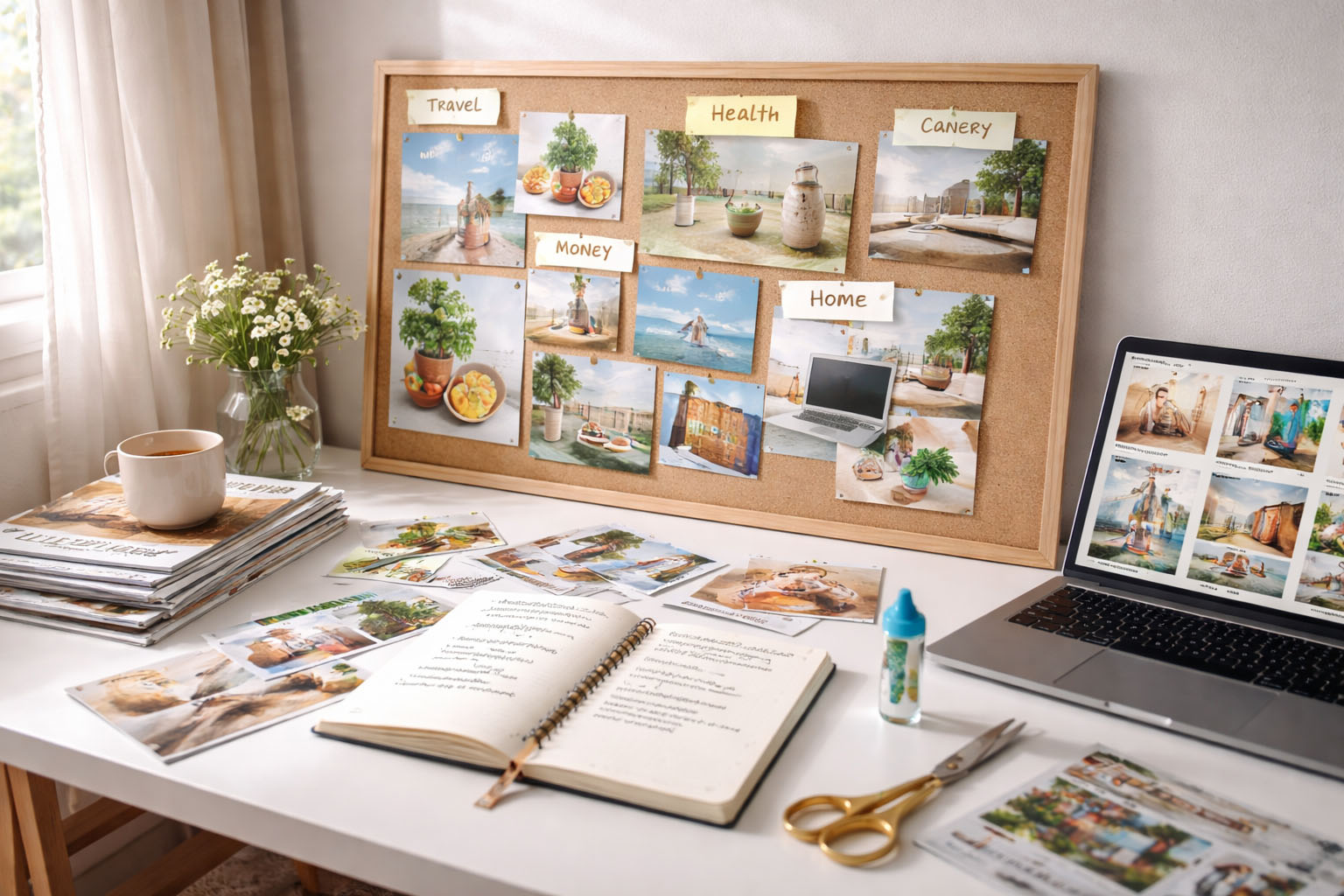
A vision board can be powerful—or completely useless—depending on one thing: whether it changes what you do after you close the laptop or put the scissors away.
For 2026, the goal isn’t to make a “Pinterest-perfect” collage. The goal is to build a board that:
- makes your goals feel specific and real
- reminds you of the “why” when motivation drops
- guides your weekly choices (time, money, energy)
This guide gives you a simple method that works for paper or digital boards, plus prompts, examples, and a weekly routine so your vision board doesn’t get forgotten by February.
What a vision board really is (and why it works)
A vision board is a visual goal system. It works because it:
- keeps goals visible (out of “out of mind”)
- activates reminders (your brain starts noticing opportunities)
- anchors emotion (you’re not only thinking—you’re feeling)
- makes goals easier to act on (when you add actions—not just images)
But here’s the truth: a vision board alone doesn’t create results. Results come from the board + a plan you actually follow.
Step 1: Choose 4–6 “life categories” for 2026
Too many categories = scattered energy. Keep it tight.
Pick 4–6 areas from this list:
- Health & energy
- Career & skills
- Money & stability
- Home & lifestyle
- Relationships & social life
- Creativity & confidence
- Travel & experiences
Tip: If you’re overwhelmed, start with just 3:
Health | Money | Work.
Step 2: Write 1 “north star” goal per category
Your board becomes motivating when it’s specific.
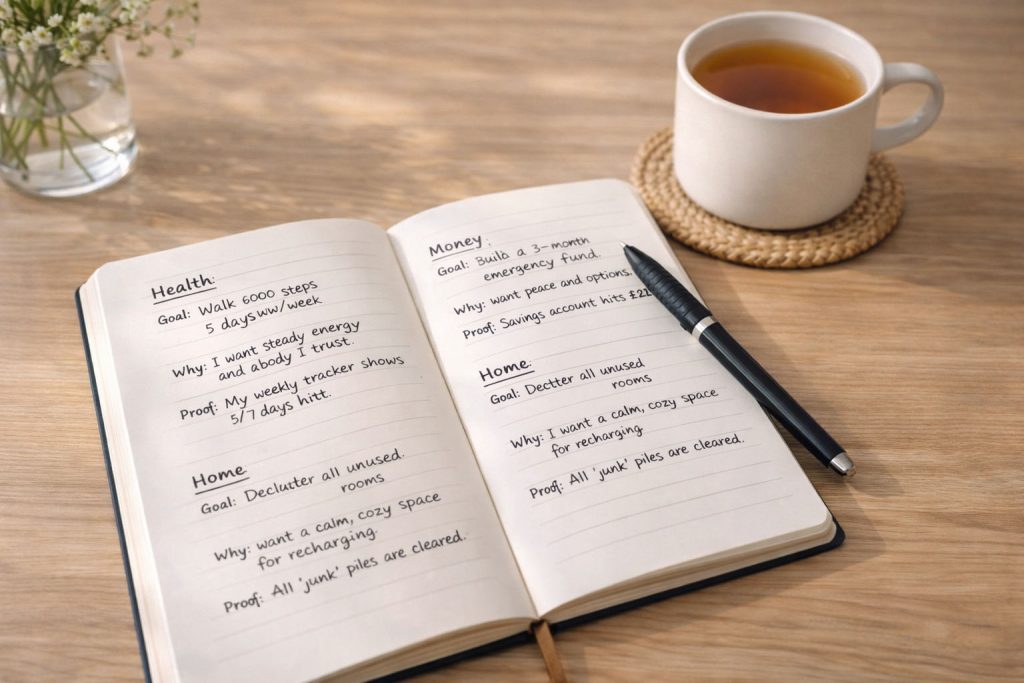
Use this template:
- Goal: (What you want)
- Why it matters: (Your emotional reason)
- Proof: (How you’ll know it happened)
Examples
- Health: “Walk 8,000 steps 5 days/week.”
Why: “I want steady energy and a body I trust.”
Proof: “My weekly tracker shows 5/7 days hit.” - Money: “Build a 3-month emergency fund.”
Why: “I want peace and options.”
Proof: “Savings account hits £X.”

Step 3: Turn goals into “visual anchors”
Most vision boards fail because images are vague. Use images that represent the goal outcome and the identity shift.
Good visual anchors (clear)
- A calendar with “Gym 3x/week”
- A savings graph / “£10k saved” style tracker
- A tidy minimalist room if your goal is decluttering
- A certificate if your goal is a course completion
Weak visual anchors (too vague)
- Random luxury cars (no plan)
- Generic beaches (no dates, no budget)
- “Successful woman” stock photo (no defined goal)
Rule: Every image should answer: “What does this mean in real life?”
Step 4: Add “action tags” so it becomes a plan
This is the difference between decoration and results.
For each category, add one tiny action tag (a sticky note or small text label):
- Health → “Walk after lunch”
- Money → “Pay myself first”
- Career → “30 min study daily”
- Home → “10-min reset Sundays”
- Relationships → “Text 2 friends weekly”
These are your “automatic” behaviours. They make motivation unnecessary.
Step 5: Choose paper or digital (both can work)
Paper vision board (best if you like tactile motivation)
You’ll need:
- A3/A2 board (or corkboard)
- scissors + glue/tape
- magazines/printouts
- marker + sticky notes
Where to place it: somewhere you’ll see it daily:
- wardrobe door
- next to your desk
- inside a planner cover
- bedroom wall
Digital vision board (best if you live on your phone)
Make one using:
- Canva (templates are easy)
- Pinterest (image collecting)
- Notion (goals + trackers in one place)
Pro tip: set it as:
- phone wallpaper (lock screen)
- laptop background
- the first slide in a digital journal
Step 6: Use “3 layers” to keep motivation high all year
A motivating board includes:
- Outcomes (what you want)
- Identity (who you’re becoming)
- Process (what you do weekly)
Example (Career)
- Outcome: “New role” / “freelance income”
- Identity: “I finish what I start”
- Process: “2 applications per week” or “3 portfolio updates/week”
When motivation dips, process still moves you forward.
Vision board prompts for 2026 (use these to choose images)
Answer these quickly (no overthinking):
- If 2026 ends perfectly, what’s one sentence that describes it?
- What do I want to feel more often? (calm, proud, free, strong)
- What do I want to stop tolerating?
- What habit would change everything if I did it consistently?
- What would my future self thank me for in 12 months?
Mini-prompt:
“I’m the kind of person who ___.”
(then choose images that match that identity)
The weekly routine that makes your board “work”
Do this once a week (takes 7 minutes):
- Look at your board (30 seconds)
- Ask: “What matters most next week?”
- Pick one focus category
- Choose 3 tiny actions (not big goals)
- Schedule them (calendar beats motivation)
Example tiny actions
- 2 walks
- one batch-cook meal
- update CV for 20 minutes
- transfer £20 to savings
- declutter one drawer
This is where your vision board turns into results.
Common mistakes (and how to fix them fast)
Mistake 1: Too many goals
Fix: reduce to 4–6 categories and one main goal each.
Mistake 2: Only “dream images”
Fix: add action tags + a weekly review habit.
Mistake 3: It’s hidden
Fix: put it where you see it daily or set it as wallpaper.
Mistake 4: It feels unrealistic
Fix: add a “bridge plan”:
- What can I do this month?
- This week?
- Today?
Quick examples you can copy (2026)
Here are 3 simple board styles:
1) “Calm & Healthy” board
- visuals: walking shoes, healthy plate, tidy bedroom, sunrise
- actions: “Walk 30 min”, “Protein breakfast”, “Sleep routine”
2) “Money & Security” board
- visuals: savings tracker, debt-free note, budget page, tidy desk
- actions: “Weekly money date”, “Auto-transfer”, “No-spend day”
3) “Career Upgrade” board
- visuals: certificate, laptop portfolio, interview outfit, checklist
- actions: “Study 30 min”, “1 application”, “1 networking message”
FAQ: Vision Board 2026
Do vision boards actually work?
They help when they keep your goals visible and push consistent action. The board is the reminder; your habits create the result.
When should I make my 2026 vision board?
Any time. January is popular, but a “fresh start” can be any week you choose.
How many images should I use?
Enough to feel inspiring but not cluttered—often 15–30 is plenty.
What if I don’t like “manifestation” language?
Skip it. Use it as a visual planning tool: goals, identity, process.
Final tip: Make it motivating in one sentence
Write one line at the top of your board:
“In 2026, I choose ___.”
(calm, discipline, freedom, confidence, health, stability)
That sentence becomes your compass when life gets busy.